How to transfer Dash from Ledger Nano S
A tutorial on how to transfer Dash from Ledger Nano S to CrowdNode
Written by Thomas Orloff
January 18, 2019
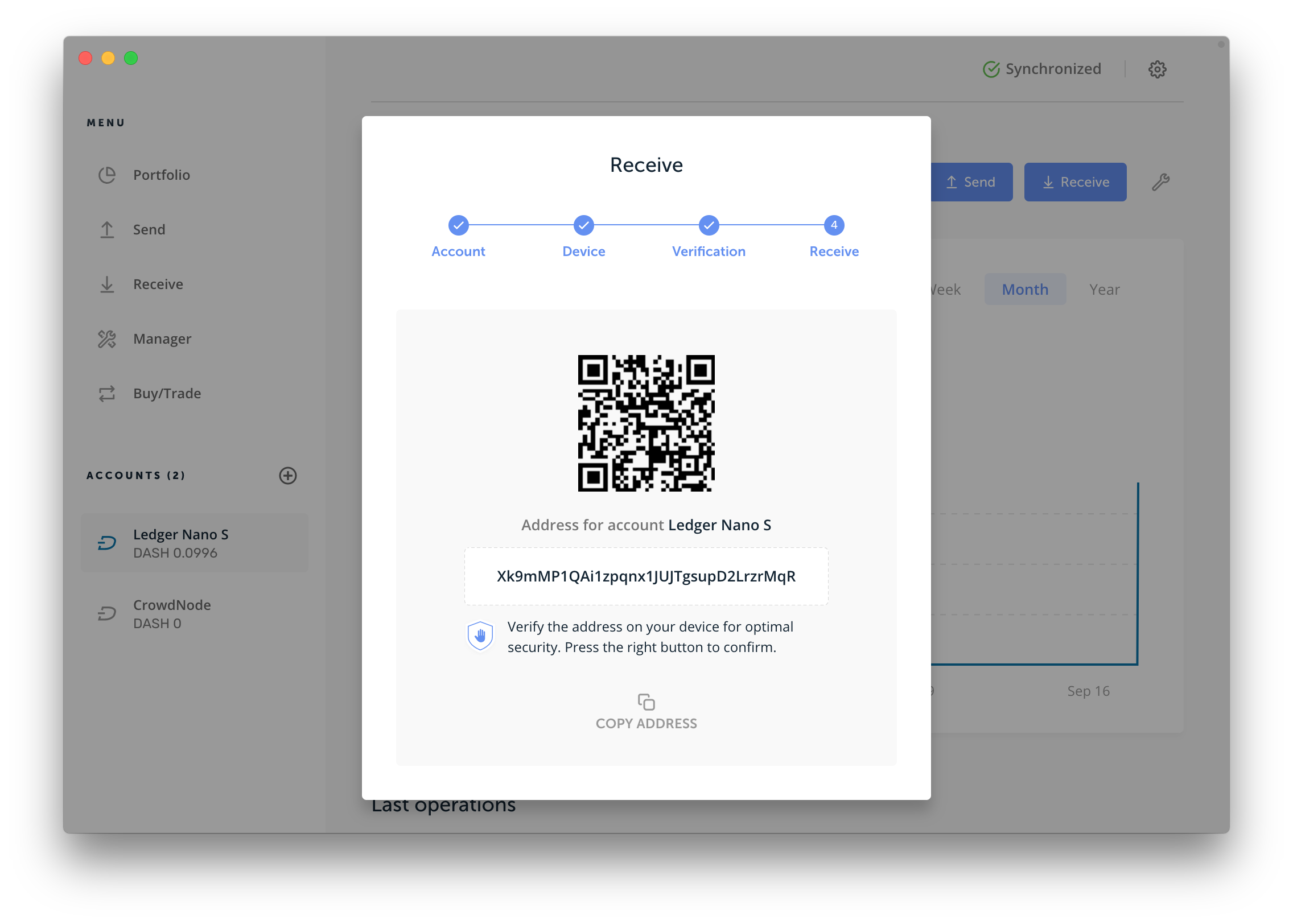
Ledger Nano S works fine with CrowdNode. In order to make sure you are sending from the address provided, send your wallet balance to this address, as we then know where it comes from and to whom it belongs.
Here is how to do:
Choose an address from Ledger Nano S and register it on CrowdNode.
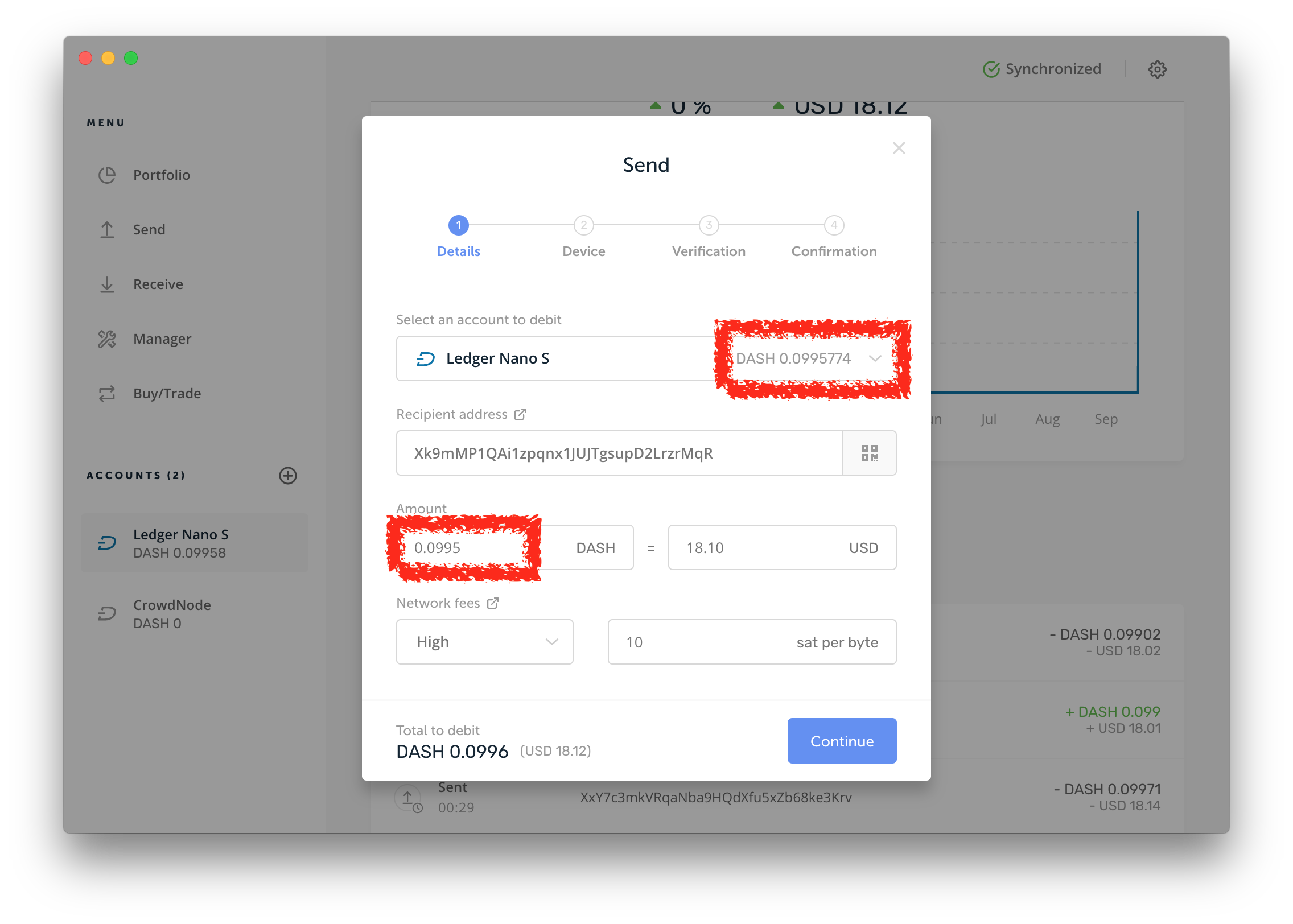
Send your total wallet balance to the address provided to CrowdNode (your own).
- All your funds should now be on this address.
- Transfer the desired amount to CrowdNode
If you want to send further funds to CrowdNode please repeat step 2 and 3.
Did this answer your question?