
Step 3: Final Signing
Written by Thomas Orloff December 8, 2022
Overview
At this stage, all refund transactions have been signed. You're being asked to provide final approval before funds transfer to the trustless collateral address.
Final Transactions
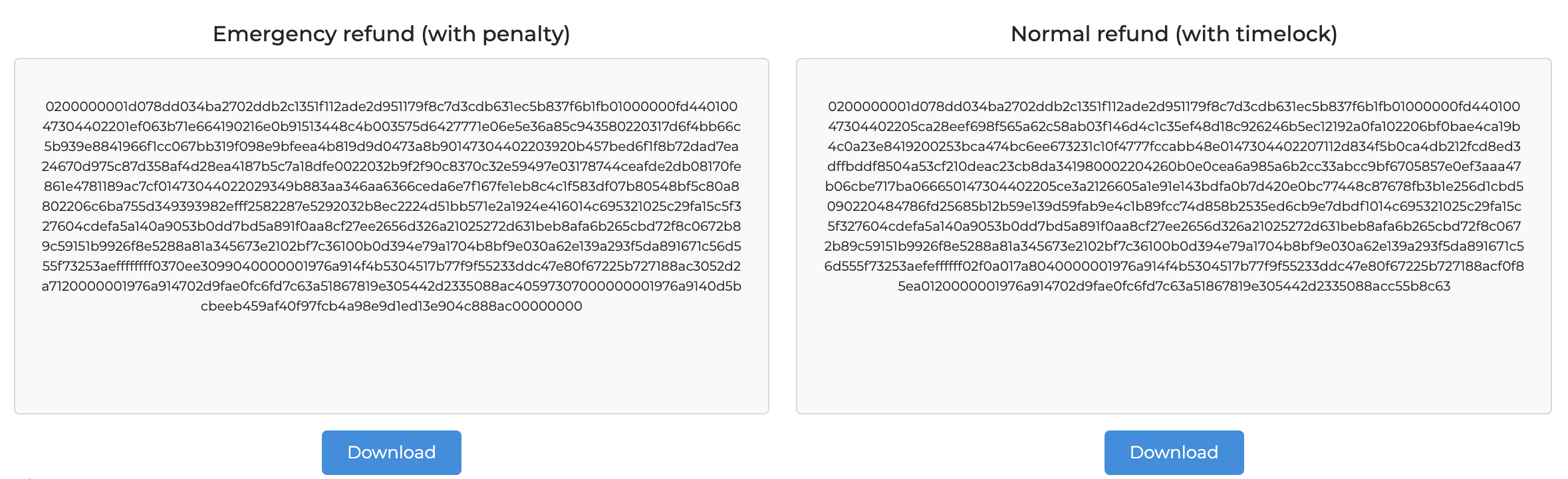
You now have two final transactions available on the page:
- Your personal emergency refund transaction.
- The normal refund transaction, which can be run after the lock period.
You can analyse these in the same way as described in Part 2.
Important: Remember to download both transactions, so that you are not reliant on CrowdNode to obtain them 😊
Final Signature Step
The last step requires you to sign a final message by:
- Copying the text provided
- Pasting it into the Dash Core Console
- Pasting the response back
The system validates the final signature. Once all signatures are validated, funds transfer to the masternode address and the masternode becomes active.
Running Refunds
When you need to run any of the refunds, you must broadcast the transactions to the network. This process is described separately in the knowledge base.